
Healthcare Mobile Security Best Practices for IT Teams

Healthcare mobile security best practices are defined protocols and technical controls that protect electronic protected health information (ePHI) accessed or stored on mobile devices used by clinical and administrative staff. HIPAA compliance on mobile requires consistent governance across devices, applications, and access points, combining encryption, identity controls, and audit visibility. As mobile device use in clinical settings accelerates, the attack surface expands well beyond the hospital perimeter. Healthcare IT teams that treat mobile security as a layered discipline, rather than a single-point control, are the ones that stay ahead of both regulators and threat actors.
1. Build an identity-first access control framework
Identity-first access control is the primary gatekeeper to ePHI on mobile devices, not device lockdown alone. This distinction matters because a locked device with a shared account still exposes patient data to unauthorized users. Healthcare organizations that map every access event to an individual user create the audit trails HIPAA demands and the accountability security teams need.
Key controls to implement:
- Strong passcodes and biometrics: Require a minimum six-digit PIN combined with biometric authentication. On modern iOS and Android devices, biometrics tie directly to hardware-backed cryptographic keys, which aligns with FIDO2 and WebAuthn standards.
- Phishing-resistant MFA: Prioritize hardware security keys or authenticator apps over SMS-based one-time passwords. SMS codes are vulnerable to SIM-swapping and smishing attacks, both of which are rising in healthcare targeting.
- Conditional access policies: Enforce access rules based on device posture, user role, and geographic location. A nurse accessing the EHR from an unmanaged device in an unrecognized location should trigger step-up authentication or a block.
- Least privilege and role-based access: Restrict each user to the minimum data set their role requires. A billing coordinator has no clinical need for radiology images.
- Disable shared accounts: Disabling shared accounts and mapping access to individual users enables audit trails and accountability, which is a direct HIPAA technical safeguard requirement.
Pro Tip: Deploy adaptive MFA that responds dynamically to risk signals. A login from a known device on the hospital Wi-Fi requires only a PIN; the same login from an overseas IP triggers a hardware key challenge.
2. Enforce encryption across devices and data in transit
Encryption of data at rest and in transit using full device encryption, VPN use, and secure clinical messaging prevents data interception and leakage. Full device encryption is non-negotiable. Without it, a lost or stolen device becomes an open file cabinet of patient records.
The following table compares the two primary encryption contexts healthcare IT teams must address:
| Context | Control | Minimum Standard |
|---|---|---|
| Data at rest | Full device encryption | AES-256, tied to passcode or biometric |
| Data in transit | TLS and VPN | TLS 1.2 or higher, split-tunnel VPN for clinical apps |
| App-level data | Managed app containers | MDM-enforced sandboxing with selective wipe |
| Backup data | Restricted unencrypted backups | Block iCloud or Google Drive backups for managed apps |
Additional controls to enforce:
- TLS 1.2 or higher for all clinical app communications. Older TLS versions contain known vulnerabilities that attackers actively exploit.
- VPN enforcement for any access to EHR systems, PACS, or clinical messaging platforms outside the hospital network.
- Selective wipe policies through Mobile Device Management (MDM) to remove only work-related data from a personal device without wiping personal content.
- Session timeouts and token rotation in clinical apps such as Epic Haiku, Cerner PowerChart Mobile, and similar platforms to limit credential exposure.
Pro Tip: Block unencrypted backups at the MDM policy level and audit app permissions quarterly. A clinical app that requests access to the device microphone or contacts list is a risk that needs immediate review.
3. Manage software updates and patching as a clinical safety control
MDM-enforced encryption, remote wipe, and tight application governance enable HIPAA compliance, but unpatched software undermines all of it. A device running an outdated OS version is a known vulnerability waiting to be exploited. Healthcare IT teams should treat patch management with the same urgency applied to medical device firmware updates.
- Set minimum OS and app version requirements and use MDM to block or quarantine devices that fall below the threshold.
- Enable automatic updates for managed devices, but use staged deployments for critical clinical apps to catch compatibility issues before they affect patient care workflows.
- Prohibit sideloading and block installation from unknown sources. On Android, this means disabling the “Install unknown apps” permission at the MDM policy level.
- Conduct quarterly app inventory audits to identify apps that are outdated, no longer supported by their developers, or requesting excessive permissions.
- Establish patch SLAs that classify vulnerabilities by severity. A critical CVE affecting an EHR mobile client should be patched within 72 hours, not the next scheduled maintenance window.
Pro Tip: Treat OS and app updates as clinical safety controls with defined SLAs, not as routine IT housekeeping. Document the SLA in your HIPAA security policies so that patch delays create a traceable compliance gap, not just a technical debt.
4. Differentiate security controls for BYOD vs. corporate-owned devices
Device-centric security models underperform in BYOD environments because personal mobile devices cannot be fully trusted or controlled like corporate assets. This is one of the most consequential gaps in healthcare mobile security today. Many organizations apply the same MDM profile to a hospital-issued iPad and a clinician’s personal iPhone, which creates both security gaps and privacy conflicts.
The correct approach separates policy by ownership:
- Corporate-owned devices: Apply full MDM enrollment with complete visibility into device posture, app inventory, and network activity. Full wipe is appropriate on these devices when a security incident occurs.
- BYOD devices: Use Mobile Application Management (MAM) or Android Enterprise work profiles to create a managed container that separates personal and work data. Selective wipe removes only the work profile without touching personal photos, messages, or apps.
- Android Enterprise work profiles: These create a cryptographically isolated partition on the device. Apps in the work profile cannot read data from personal apps, and MDM policies apply only within the work boundary.
- Zero local data storage: Architect BYOD access so that ePHI is never cached locally on the personal device. Clinical apps should render data from the server and store nothing on the device file system.
- User training tailored to BYOD: Clinicians using personal devices need clear guidance on acceptable use, reporting procedures, and what happens to their device if a security incident is declared.
Pro Tip: Architect BYOD security assuming personal devices are untrusted interfaces. If your clinical app cannot function without caching ePHI locally, that is an app architecture problem, not a policy problem.
5. Integrate cyber threat intelligence to strengthen mobile defenses
Integrating cyber threat intelligence (CTI) with mobile health systems improves threat detection and mitigation, despite challenges linked to governance and data privacy. CTI is not a luxury for large health systems. It is the mechanism by which security teams learn about emerging attack patterns before those patterns reach their own users.
| CTI Use Case | Application in Mobile Health Security |
|---|---|
| Threat feed integration | Correlate known malicious IPs and domains with mobile VPN and proxy logs |
| AI-driven anomaly detection | Flag unusual access patterns in EHR mobile clients |
| Smishing campaign tracking | Identify credential-harvesting campaigns targeting clinical staff via SMS |
| Incident response enrichment | Enrich mobile security alerts with external threat context for faster triage |
Practical steps for CTI integration:
- Connect threat feeds to your SIEM and correlate them against mobile security telemetry from MDM platforms and clinical app logs.
- Use AI-driven analytics to detect lateral movement attempts that originate from compromised mobile credentials.
- Establish a governance framework for sharing threat intelligence across health system affiliates, following HIPAA’s minimum necessary standard for any data included in shared indicators.
- Incorporate CTI findings into your incident response runbooks so that mobile-specific attack chains have documented response procedures.
Pro Tip: Treat CTI as an evolving control layer that complements identity and device security. A smishing campaign targeting your clinical staff is a threat intelligence event, not just a user awareness problem.
6. Extend mobile security controls to telehealth and patient-side devices
In telehealth settings, mobile security must extend beyond clinician devices to isolate patient home health equipment on segmented networks, as stated in NIST CSWP 34 guidance. This is a dimension of healthcare mobile security that most organizations underestimate. When a patient uses a home monitoring device that connects to the same Wi-Fi network as their smart TV and personal laptop, the clinical data path is only as secure as the weakest device on that network.
NIST CSWP 34 recommends isolating hospital-at-home (HaH) equipment from other consumer devices using network segmentation, which typically means placing clinical devices on a dedicated SSID or VLAN. Healthcare IT teams deploying telehealth programs should require patients to configure guest networks for clinical devices, provide pre-configured routers where feasible, and document the network security requirements in the patient onboarding process. Audit logging of ePHI system activity, maintained for six years as a HIPAA technical safeguard, must cover telehealth session data as well as in-facility mobile access.
7. Establish audit controls and incident response procedures for mobile
Audit logs should record login attempts and access changes and be protected to maintain integrity and support audits. Audit controls are not a compliance checkbox. They are the forensic foundation that determines whether a security incident becomes a reportable breach or a contained event.
For mobile environments specifically, audit controls should capture:
- Every authentication attempt, including failed logins and MFA challenges, on mobile EHR clients and clinical messaging apps.
- App installation and removal events on managed devices, flagging any apps added outside the approved MDM catalog.
- Network access events, particularly connections to clinical systems from outside the hospital network perimeter.
- Remote wipe and lock events, with timestamps and the identity of the administrator who initiated the action.
Incident response procedures must differentiate between selective wipe for BYOD work profiles and full wipe for corporate-owned devices. This distinction protects clinician privacy while still containing the threat. Test these procedures at least annually. An untested wipe procedure is a procedure that will fail at the worst possible moment.
Key takeaways
Effective healthcare mobile security requires layered controls across identity, encryption, device management, software governance, and threat intelligence, with policies differentiated by device ownership.
| Point | Details |
|---|---|
| Identity-first access | Map every access event to an individual user and enforce phishing-resistant MFA across all clinical apps. |
| Encryption at every layer | Apply AES-256 at rest, TLS 1.2 or higher in transit, and MDM-enforced app containers for ePHI. |
| BYOD vs. corporate policy split | Use MAM and Android Enterprise work profiles for BYOD; reserve full MDM and full wipe for corporate-owned devices. |
| Patching as a safety control | Set patch SLAs by CVE severity and block devices below minimum OS versions using MDM enforcement. |
| CTI and audit integration | Feed threat intelligence into SIEM, maintain HIPAA-required audit logs for six years, and test incident response annually. |
Why identity-first security beats device lockdown in complex healthcare environments
After working through dozens of healthcare mobile security assessments, the pattern that stands out most is how often organizations invest heavily in device controls while leaving identity controls underdeveloped. They deploy MDM, enforce screen locks, and configure remote wipe. Then a clinician shares their EHR login with a colleague to cover a shift, and the entire device-level architecture becomes irrelevant.
The uncomfortable reality is that device lockdown is a necessary condition for mobile security, not a sufficient one. A managed, encrypted device with a shared account is still a compliance failure and a breach waiting to happen. Identity-first frameworks, where every access event is tied to a verified individual with the minimum necessary permissions, are what actually close that gap.
The other area where I see consistent underinvestment is smishing and social engineering targeting clinical staff. Credential-harvesting campaigns delivered via SMS or WhatsApp bypass every MDM policy and every network control. They target the human layer directly. Healthcare organizations that treat mobile phishing as an email security problem are looking in the wrong direction. The threat arrives on the same device your clinicians use to access patient records, and it looks like a message from HR or a hospital administrator.
The organizations that get this right combine technical controls with user reporting programs and threat intelligence feeds that surface these campaigns before they result in credential compromise. That combination, identity-first access plus human-layer visibility, is where the real security posture improvement happens.
— Sophie
How SmishAlert strengthens your mobile security posture
Healthcare organizations face a specific threat that device management platforms and EHR security controls were not built to address: smishing and social engineering attacks delivered directly to clinical staff via SMS, iMessage, and WhatsApp. These attacks bypass the corporate perimeter entirely and target the human layer of your mobile security stack.
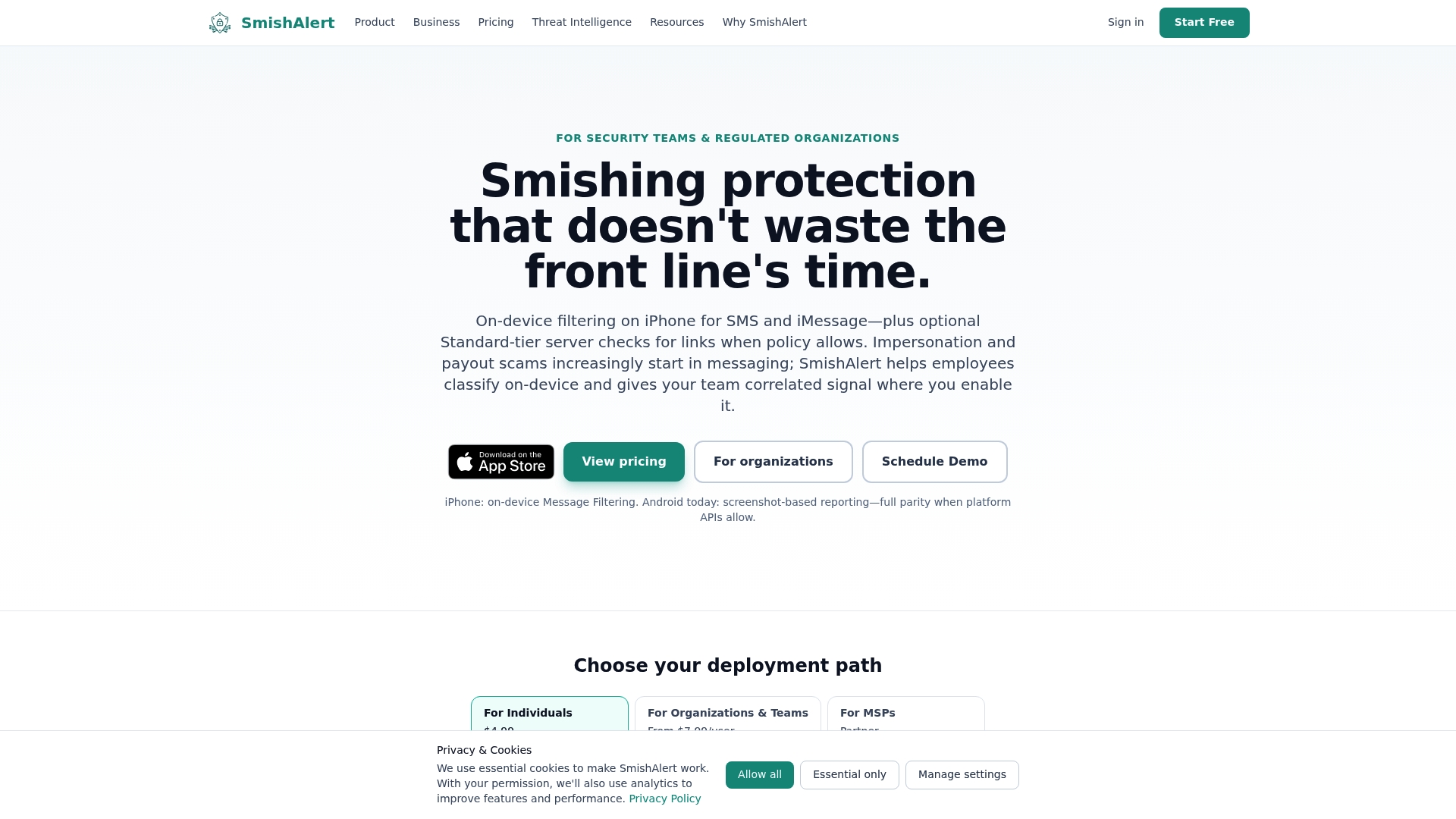
SmishAlert gives healthcare IT and security teams visibility into messaging threats that traditional tools miss, including executive impersonation, credential-harvesting campaigns, and payroll fraud attempts targeting clinical and administrative staff. Through user reporting, campaign correlation, and threat analysis, SmishAlert surfaces the social engineering risk your MDM and SIEM cannot see. Explore SmishAlert’s detection capabilities to understand your organization’s human attack surface and detect mobile phishing campaigns before they result in a reportable breach.
FAQ
What are healthcare mobile security best practices?
Healthcare mobile security best practices are technical and administrative controls that protect ePHI on mobile devices, including strong authentication, full device encryption, MDM enrollment, patching policies, and audit logging aligned with HIPAA technical safeguard requirements.
What is the difference between MDM and MAM in healthcare?
Mobile Device Management (MDM) applies policies to the entire device and is suited for corporate-owned hardware, while Mobile Application Management (MAM) applies controls only to managed apps and is the correct approach for BYOD devices where full device control is not appropriate.
How does smishing threaten healthcare mobile security?
Smishing delivers credential-harvesting links via SMS or messaging apps directly to clinical staff, bypassing MDM policies and network controls entirely. These attacks exploit the human layer and are not addressed by device management or EHR security platforms alone.
What does HIPAA require for mobile device audit logs?
HIPAA’s Security Rule requires audit controls that record and examine activity in systems containing ePHI, with logs maintained for six years. Mobile audit logs should capture authentication attempts, app events, and remote wipe actions.
How should healthcare IT handle BYOD security differently from corporate devices?
BYOD devices should use MAM or Android Enterprise work profiles to isolate ePHI in a managed container, with selective wipe limited to work data only. Corporate-owned devices support full MDM enrollment and full wipe, giving IT teams complete control over the device posture.