Personal SMS Safety Best Practices for 2026

Personal SMS safety best practices are defined as the set of technical controls, carrier-level protections, and behavioral habits that prevent unauthorized access, interception, and social engineering through text messaging. Standard SMS is fundamentally insecure: it lacks message integrity checks and sender authentication, meaning intermediaries can intercept or manipulate messages without alerting you. The FTC, ENISA, and major US carriers all publish SMS safety guidelines that most individuals never apply. This article covers the highest-impact steps you can take right now to protect your messages, your phone number, and your accounts.
1. What are the most effective technologies for secure text messaging?
The single highest-impact change you can make is switching from standard SMS to an end-to-end encrypted (E2EE) messaging app. Unencrypted SMS exposes 100% of message content and metadata to carriers and intermediaries, while E2EE apps reduce interception risk below 0.8%. That gap is not marginal. It represents the difference between a postcard anyone can read and a sealed vault.
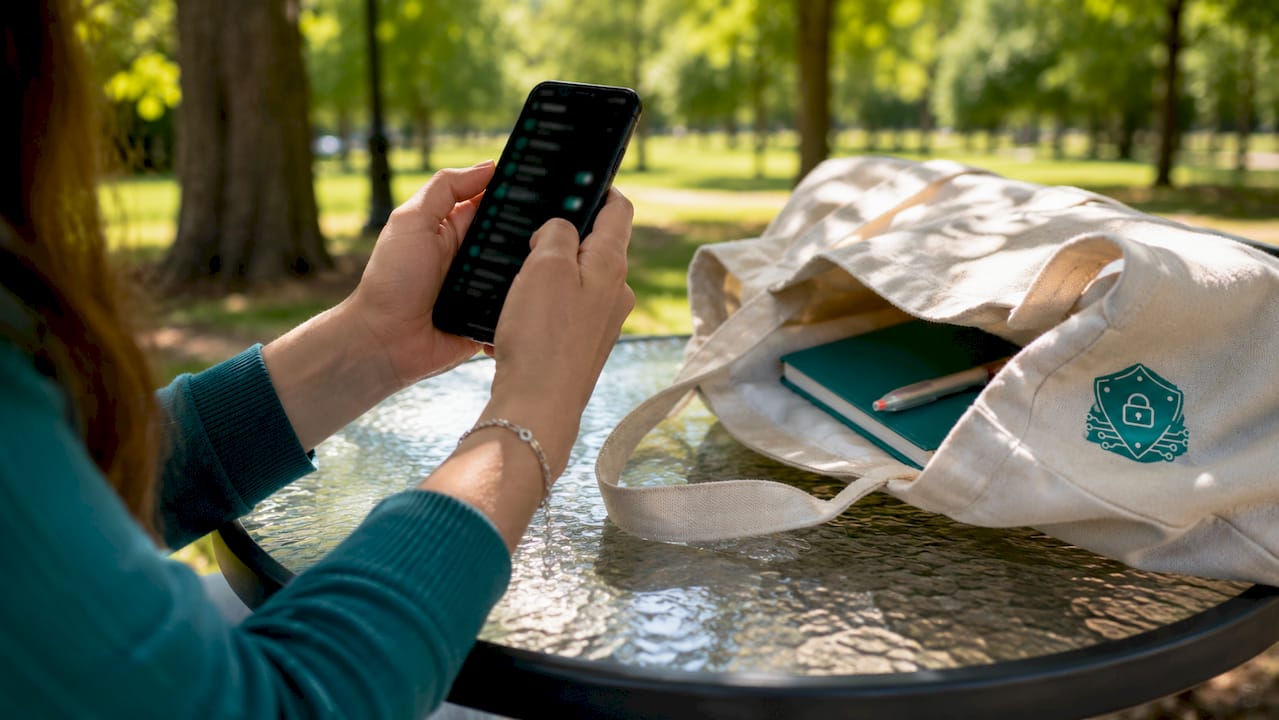
Apps like Signal and WhatsApp use verified E2EE by default. Signal goes further by displaying safety numbers, which are cryptographic codes you can compare with your contact in person or over a separate channel to confirm no one is intercepting the conversation. Ignoring verification alerts can reduce protection to near zero and expose you to man-in-the-middle attacks. Always verify safety numbers when the app prompts you.
Even encrypted messaging leaks metadata. Your carrier and the app’s infrastructure can still record who you talk to and when. Disabling read receipts and background refresh reduces metadata leakage by over 75%. On iOS, go to Settings > Messages and turn off Send Read Receipts and Message Preview. On Android, equivalent controls appear in your messaging app’s privacy settings.
- Enable E2EE in Signal or WhatsApp and verify safety numbers with key contacts.
- Turn off read receipts and message previews on both iOS and Android.
- Disable background app refresh for messaging apps to limit passive data collection.
- Review app permissions quarterly and revoke access to contacts, location, and microphone when not needed.
Pro Tip: Set a calendar reminder every 90 days to audit your messaging app permissions. Permissions granted during setup are rarely reviewed again, and they accumulate silently.
2. How to disable SMS fallback and prevent downgrade attacks
Disabling SMS fallback is one of the most overlooked steps in any SMS safety guideline. SMS fallback vectors were exploited in 41% of social engineering tests, making this a high-frequency attack path. When your phone silently downgrades an encrypted iMessage or RCS conversation to standard SMS, every word of that exchange becomes readable to your carrier and any attacker with network access.
On iOS, go to Settings > Messages and toggle off “Send as SMS.” This stops your iPhone from falling back to unencrypted SMS when iMessage is unavailable. On Android, the setting label varies by manufacturer, but look for “SMS fallback” or “Chat features” inside your default messaging app settings. Turning it off forces the app to wait for an encrypted connection rather than defaulting to plain text.
The tradeoff is real: some messages will not deliver immediately if the recipient’s device is offline or outside data coverage. That delay is worth accepting. A message that does not deliver is a minor inconvenience. A credential-harvesting attack that succeeds because your session downgraded to SMS is a serious security event.
Pro Tip: If you regularly communicate with someone over iMessage or RCS, confirm they have also disabled SMS fallback. A secure channel is only as strong as its least-protected endpoint.
3. How can you protect your carrier account from SIM swap attacks?
SIM swap and port-out attacks are the primary method attackers use to hijack phone numbers and intercept SMS 2FA codes. SIM swap attacks give attackers full access to your incoming SMS, including one-time passwords and account recovery codes. The attack does not require physical access to your phone. It requires only a convincing call to your carrier’s customer support.
The defense starts at the carrier level, not the device level. Carrier account security measures like unique passcodes and PINs prevent social engineering attacks targeting number porting or SIM swaps. Set a carrier account PIN that is distinct from your device lock code and unrelated to your Social Security Number. All four major US carriers (AT&T, Verizon, T-Mobile, and US Cellular) offer port-out protection or number lock features. Enable them explicitly. They are not active by default.
Here are the steps to lock down your carrier account:
- Log in to your carrier’s online account portal and set a unique account PIN (6–8 digits, not your birthday or SSN).
- Enable port-out protection or “number lock” in your carrier’s security settings.
- Enable the SIM PIN on your physical device (found under Settings > Security on Android, or Settings > Cellular > SIM PIN on iOS).
- Set a verbal passcode for in-store or phone-based account changes, separate from your online PIN.
- Request that your carrier add a note requiring in-person ID verification for any SIM change.
Pro Tip: Call your carrier directly after making these changes to confirm they are active. Online portals sometimes fail to save security settings without a confirmation step that is easy to miss.
4. What are the best habits to avoid SMS scams and smishing?
Smishing is the industry term for SMS-based phishing. It uses text messages to trick you into clicking malicious links, calling fraudulent numbers, or surrendering credentials. The red flags are consistent: urgency, an unknown sender, a mismatched or misspelled URL, and a request for personal information. Recognizing these patterns is the first line of defense.
The most counterintuitive rule in SMS scam prevention is this: do not reply “STOP” to unknown senders. Replying “STOP” to spam texts confirms your number is active and significantly increases the volume of scam messages you receive. Silence is the correct response. Block the number and report it instead.
- Do not click links in texts from unknown senders. Navigate directly to the website instead.
- Report spam texts by forwarding them to 7726 (SPAM). Reporting to 7726 is supported by all major US carriers and helps improve network spam filters.
- Register your number with the FTC’s National Do Not Call Registry. Legitimate telemarketers must honor it within 31 days.
- Block suspicious numbers immediately after reporting. Do not call back numbers from missed calls you do not recognize.
- Use a secondary or burner number for online sign-ups, app registrations, and any interaction with low-trust services. Secondary numbers isolate risk and protect your primary phone number from exposure.
The smishing protection frameworks used by enterprise security teams apply directly to individuals. The same smishing defense principles that protect corporate employees, including skepticism toward urgency, verification through a separate channel, and zero engagement with suspicious links, work equally well for personal use.
5. How do authentication methods affect your personal SMS security?
SMS-based two-factor authentication (2FA) is the weakest form of account verification available. It is vulnerable to SIM swap attacks, SS7 network interception, and real-time phishing proxies that relay your one-time code to an attacker before you even finish reading it. Using SMS 2FA on a high-value account like your email, bank, or password manager is a significant residual risk.
Authenticator apps like Google Authenticator or Authy generate time-based one-time passwords (TOTP) stored entirely on your device. They operate independently of your cellular network, which means a SIM swap does not compromise them. Hardware security keys like YubiKey go further by requiring physical possession of the device, making remote account takeover nearly impossible. For guidance on evaluating stronger authentication options, the comparison between SMS codes, TOTP apps, and hardware keys is well documented in current cybersecurity literature.
| Authentication method | Vulnerable to SIM swap | Vulnerable to phishing | Recommended for high-value accounts |
|---|---|---|---|
| SMS one-time code | Yes | Yes | No |
| Authenticator app (TOTP) | No | Partially | Yes |
| Hardware security key | No | No | Strongly yes |
Switch your most critical accounts (email, banking, password manager) to an authenticator app or hardware key first. SMS 2FA is better than no 2FA, so do not remove it from an account until a stronger method is active. Prioritize accounts that control access to other accounts, since a compromised email inbox is a master key to everything linked to it.
Pro Tip: Store backup codes for your authenticator app in a password manager, not in your SMS inbox. Backup codes sent by text are just as vulnerable as SMS 2FA itself.
Key Takeaways
The most effective personal SMS security strategy combines verified end-to-end encryption, disabled SMS fallback, carrier-level account locks, and authenticator-based 2FA to close the attack surface that standard SMS leaves wide open.
| Point | Details |
|---|---|
| Switch to E2EE apps | Use Signal or WhatsApp and verify safety numbers to prevent interception. |
| Disable SMS fallback | Turn off “Send as SMS” on iOS and SMS fallback on Android to stop downgrade attacks. |
| Lock your carrier account | Set a unique carrier PIN and enable port-out protection to block SIM swap attacks. |
| Replace SMS 2FA | Move high-value accounts to an authenticator app or hardware key immediately. |
| Report, don’t reply | Forward spam to 7726 and block senders. Never reply “STOP” to unknown numbers. |
SMS security is a habit, not a one-time setup
The most common mistake I see is treating SMS security as a checklist you complete once and forget. Security settings drift. Apps update and reset permissions. Carriers change their account security interfaces. What was locked down six months ago may be open today.
The high-leverage actions are clear: enable verified E2EE, disable insecure fallbacks, and minimize metadata. But those controls only hold if you revisit them. I audit my messaging app permissions every quarter and check my carrier’s port-out protection status twice a year. That takes less than 20 minutes total. The cost of skipping it is far higher.
The behavioral layer matters just as much as the technical one. A perfectly encrypted app does not protect you if you click a credential-harvesting link inside it. Human-centered security means building habits, not just installing tools. Skepticism toward urgency, verification through a second channel, and zero engagement with suspicious links are skills that compound over time.
Proportionate protection is the goal. You do not need to run a threat intelligence operation to stay safe. You need a small number of high-impact controls applied consistently. The BYOD security frameworks used by enterprise security teams confirm this: the individuals who stay safest are not the ones with the most tools. They are the ones who apply the right tools correctly and check them regularly.
— Sophie
How Smishalert helps you detect SMS social engineering threats
Organizations face the same SMS threats that individuals do, but at scale and with higher stakes. Smishalert is built to give security teams visibility into the messaging-based social engineering attacks that traditional email security platforms never see.

Smishalert surfaces executive impersonation, credential-harvesting campaigns, payroll fraud, and gift card scams across SMS, iMessage, and WhatsApp. Its threat detection platform correlates user-reported messages into campaign-level intelligence, so security teams can identify patterns before they result in compromise. For individuals working within organizations, understanding how your employer detects and responds to smishing attacks adds another layer of protection to your personal security posture. Explore Smishalert’s live threat intelligence to see current SMS attack campaigns in the wild.
FAQ
What is smishing and how does it differ from SMS spam?
Smishing is a targeted social engineering attack delivered via SMS, designed to steal credentials or install malware. SMS spam is bulk unsolicited messaging, typically commercial, without a specific deception goal.
Is SMS 2FA better than no two-factor authentication at all?
Yes, SMS 2FA is better than no 2FA, but it is the weakest option available. Switch to an authenticator app or hardware key for any account that controls access to sensitive data.
How do I report a smishing text in the US?
Forward the suspicious message to 7726 (SPAM). All major US carriers support this shortcode, and reports feed directly into carrier spam filters.
Can encrypted messaging apps still leak my data?
Yes. Even verified E2EE apps leak metadata, including who you contact and when. Disabling read receipts and background refresh reduces this exposure significantly.
What is a port-out lock and why does it matter?
A port-out lock is a carrier-level setting that blocks your phone number from being transferred to another carrier without explicit in-person or multi-step verification. It directly prevents SIM swap and number hijacking attacks.