
Top 3 Zimperium.com Alternatives For Mobile Threat Defense 2026
Selecting a mobile threat defense solution that genuinely covers messaging risks, device-level phishing, and offers enterprise integration without forcing a patchwork of tools is often frustrating for IT and security leaders. Many options either limit detection to email or web channels, lack seamless integration with platforms like Microsoft Office 365, or keep pricing and support inconsistent which complicates procurement and long-term management. This side-by-side comparison covers detection scope, deployment requirements, and integration strengths so you can match a mobile threat defense solution to your organization’s risk priorities and operational realities.
Table of Contents
- SmishAlert
- Corrata
- Better Mobile Threat Defense
- Comparative Analysis of Mobile Threat Defense Solutions
SmishAlert
At a Glance
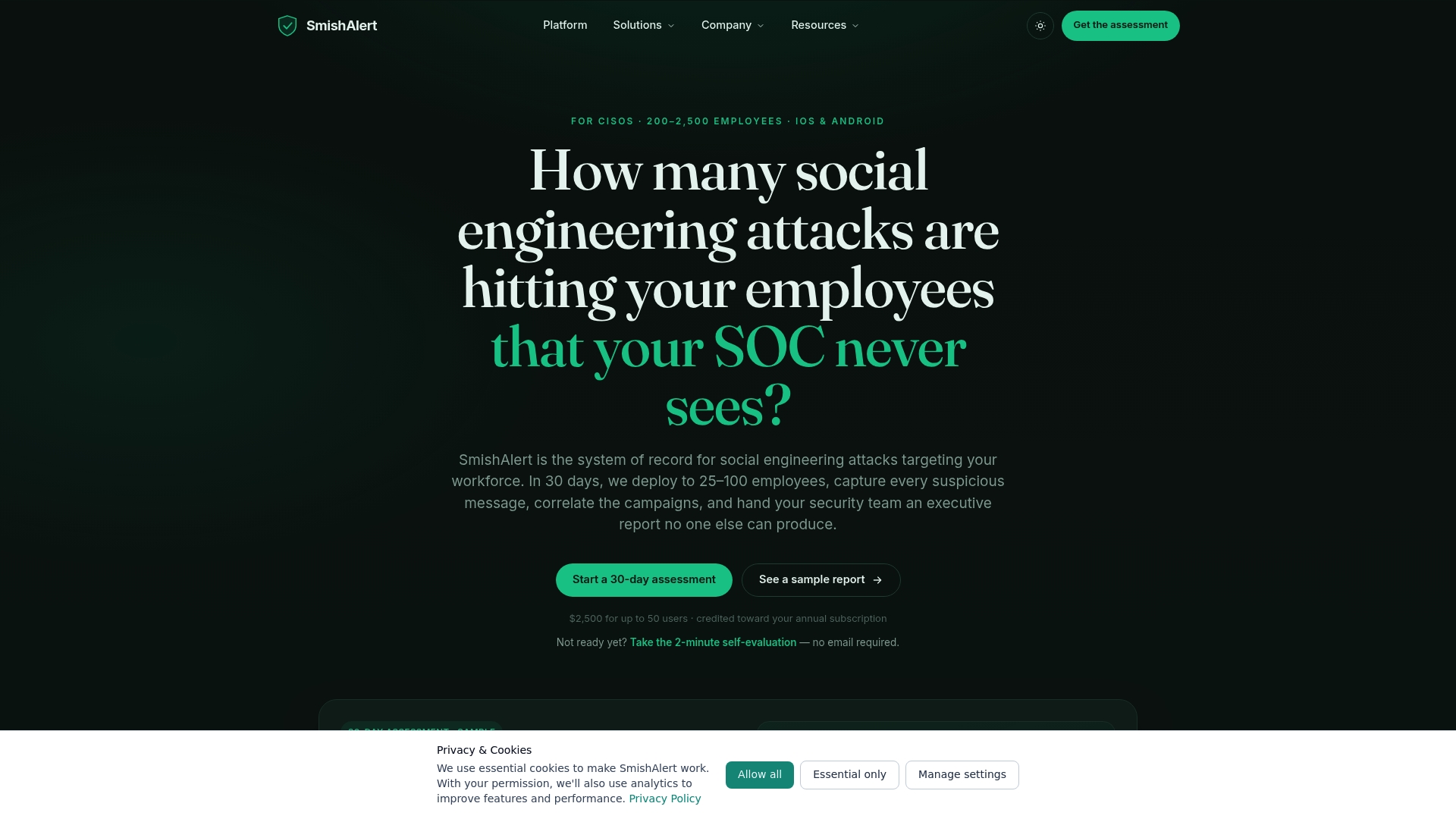
A $2,500 assessment covers up to 50 users and is credited toward subscription, with the vendor advertising a 30-day pilot that measures workforce exposure to messaging-based social engineering. The pilot is scoped for organizations roughly between 200 and 2,500 employees.
Core Features
SmishAlert captures suspicious messages from SMS and popular messaging apps and centralizes those reports for analysis.
- Native iOS and Android apps for employee reporting and collection.
- Correlated campaign detection that links related messages across channels and time.
- Executive-level reports and board-ready summaries for leadership and risk committees.
- Quantification of human risk during the pilot so you can compare teams and channels.
Key Differentiator
Captures and correlates social engineering attacks across messaging apps and SMS channels that traditional email security solutions cannot see. That visibility creates a system of record for threats that start outside the corporate perimeter and often never touch email.
Pros
-
Provides visibility where email gateways have blind spots. Security teams get reports from SMS, chat apps, and messaging channels they would not otherwise see.
-
Correlates related messages into campaigns so analysts can prioritize incidents by pattern instead of treating each report as an isolated ticket.
-
Produces board-ready executive reporting that translates technical findings into measurable business risk for leadership and legal teams.
-
Deploys via MDM across iOS and Android, which speeds enterprise rollout and maintains a single collection point for investigations.
-
The assessment credit toward subscription reduces the friction of a pilot and gives you an operational data set to evaluate risk across departments.
Cons
- Requires deployment across employee devices via MDM for full effectiveness, so organizations without mobile device management will face operational overhead to reach coverage.
Who It’s For
Security leaders, IT teams, and managed security providers in mid-sized organizations that need to measure messaging-based social engineering risk. Typical sectors are healthcare, financial services, and professional services with 200 to 2,500 employees.
Unique Value Proposition
The $2,500 assessment for up to 50 users, credited toward subscription, turns a pilot into an auditable proof point you can take to the board. Rather than a purely theoretical exercise, the pilot delivers correlated campaign data and executive reporting you can use to justify further spend.
Real World Use Case
A healthcare provider rolled out the mobile app across clinical and administrative staff. Analysts uncovered multiple executive impersonation and payroll phishing campaigns. The executive report informed targeted controls for HR and finance and funded a focused awareness program for high risk groups.
Pricing
The assessment is $2,500 for up to 50 users and is credited against the annual subscription cost. Subscription pricing is scoped during the executive report and runs roughly $4.99 to $7.99 per user per month depending on deployment size and features.
Website: https://smishalert.ai
Corrata
At a Glance
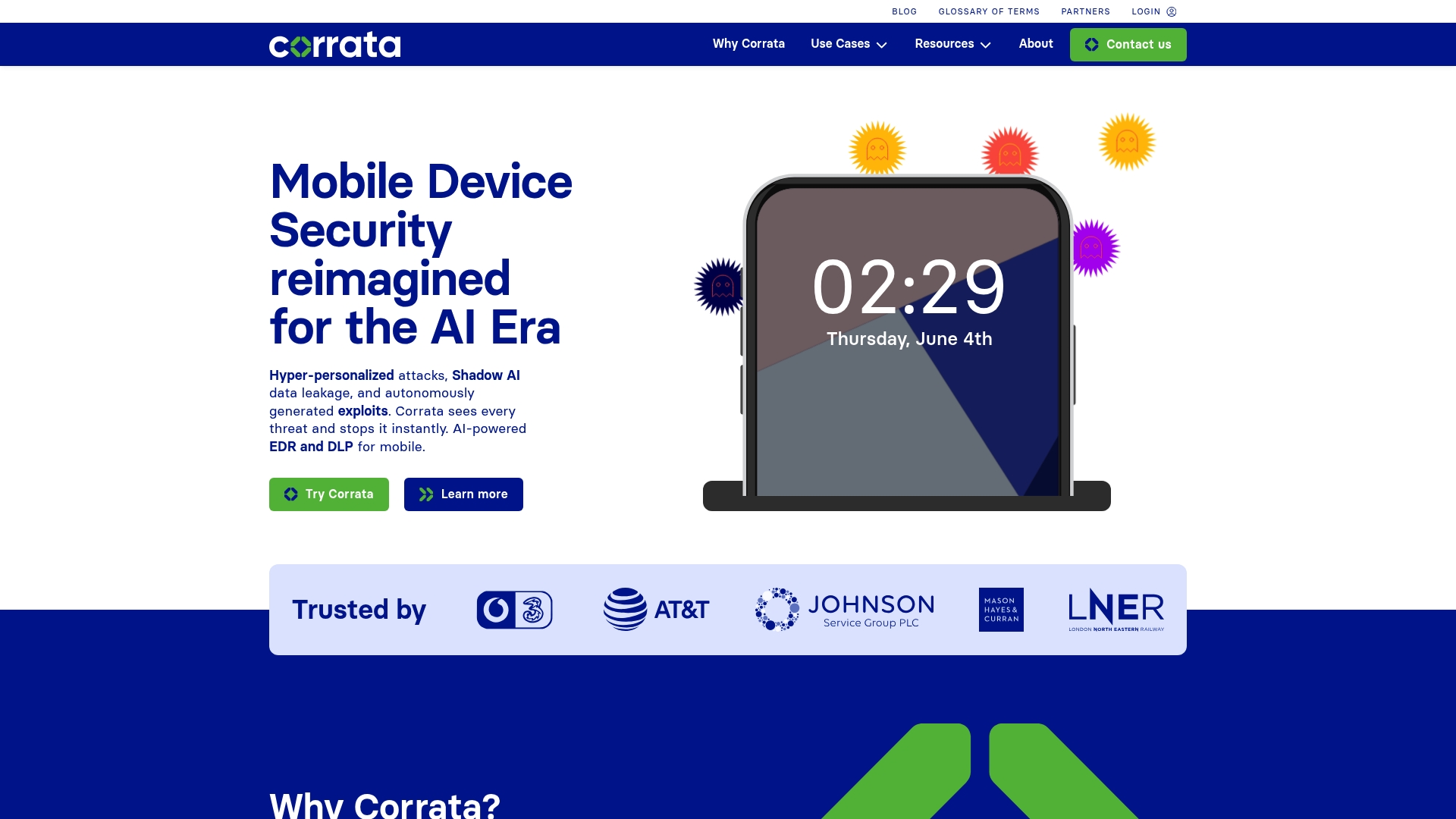
Corrata performs deep packet inspection on-device while running bespoke on-device language models to detect threats in real time. The combination aims to block phishing, spyware, and man-in-the-middle traffic without sending raw message content off device.
Corrata’s marketing materials state it has been recognized by GigaOm for mobile threat defense, a credential some buyers cite when evaluating maturity.
Core Features
Corrata inspects network traffic locally and applies AI models on the device to classify threats before data leaves the handset.
- Deep packet inspection on-device for protocol and content-level analysis without cloud-only routing.
- AI-powered threat detection using on-device language models to identify phishing, Shadow AI misuse, and anomalous exfiltration.
- Data loss prevention and Shadow AI monitoring to control sensitive inputs to third-party generative services.
- Device trust, vulnerability management, and protections against MITM attacks and mobile spyware.
Key Differentiator
The product ties full packet inspection to on-device AI so detection happens with minimal telemetry leaving the endpoint. That design emphasizes privacy and reduces dependency on network proxies during incident response.
This approach shortens detection time because patterns are evaluated at the network boundary on the device rather than waiting for cloud analysis.
Pros
- Local blocking stops malicious or outdated traffic before it hits corporate services. That reduces exposure for users on public Wi-Fi and cellular networks.
- Deployment is reportedly low friction, which reduces help desk calls during rollout and keeps user disruption to a minimum.
- Operating primarily on the device preserves message and location privacy while still enforcing protocol rules and policy.
- The vendor advertises industry recognition from GigaOm and independent reviews that highlight effective threat blocking and protocol enforcement. That recognition can help justify procurement discussions with compliance teams.
Cons
- Public user feedback is thin on mainstream review platforms, so broad user consensus is harder to establish.
- Deep inspection and on-device AI can increase battery and CPU usage on older handsets, which means performance testing is required before mass deployment.
- The product data does not list standard pricing, which can slow procurement cycles for teams that need quick TCO estimates.
When It May Not Fit
If you need crowd-sourced user reviews to validate long term operational experience, Corrata’s limited public presence could be a blocker for procurement committees.
If your fleet includes many legacy or low-spec devices, the resource demands of continuous on-device inspection could degrade user experience and require pilot validation.
Who It’s For
IT security teams at Finance, Healthcare, and Public Sector organizations that must monitor mobile endpoints for targeted phishing and data exfiltration. Security teams that prioritize privacy and want detection at the endpoint rather than funneling traffic through a central proxy will find this approach aligned with their policies.
Real World Use Case
A multinational deploys Corrata to employee smartphones to block credential harvesting and flag Shadow AI usage that could leak PII. The on-device inspection prevented lateral compromise when several employees used public Wi-Fi during travel.
The pilot reduced suspicious outbound connections on travel days and produced network-level indicators investigators used during follow up.
Pricing
Corrata does not publish a standard list price. Vendors typically provide licensing and subscription details after a requirements call and pilot. Expect per-device or per-seat enterprise licensing rather than a free tier.
Website: https://corrata.com
Better Mobile Threat Defense
At a Glance
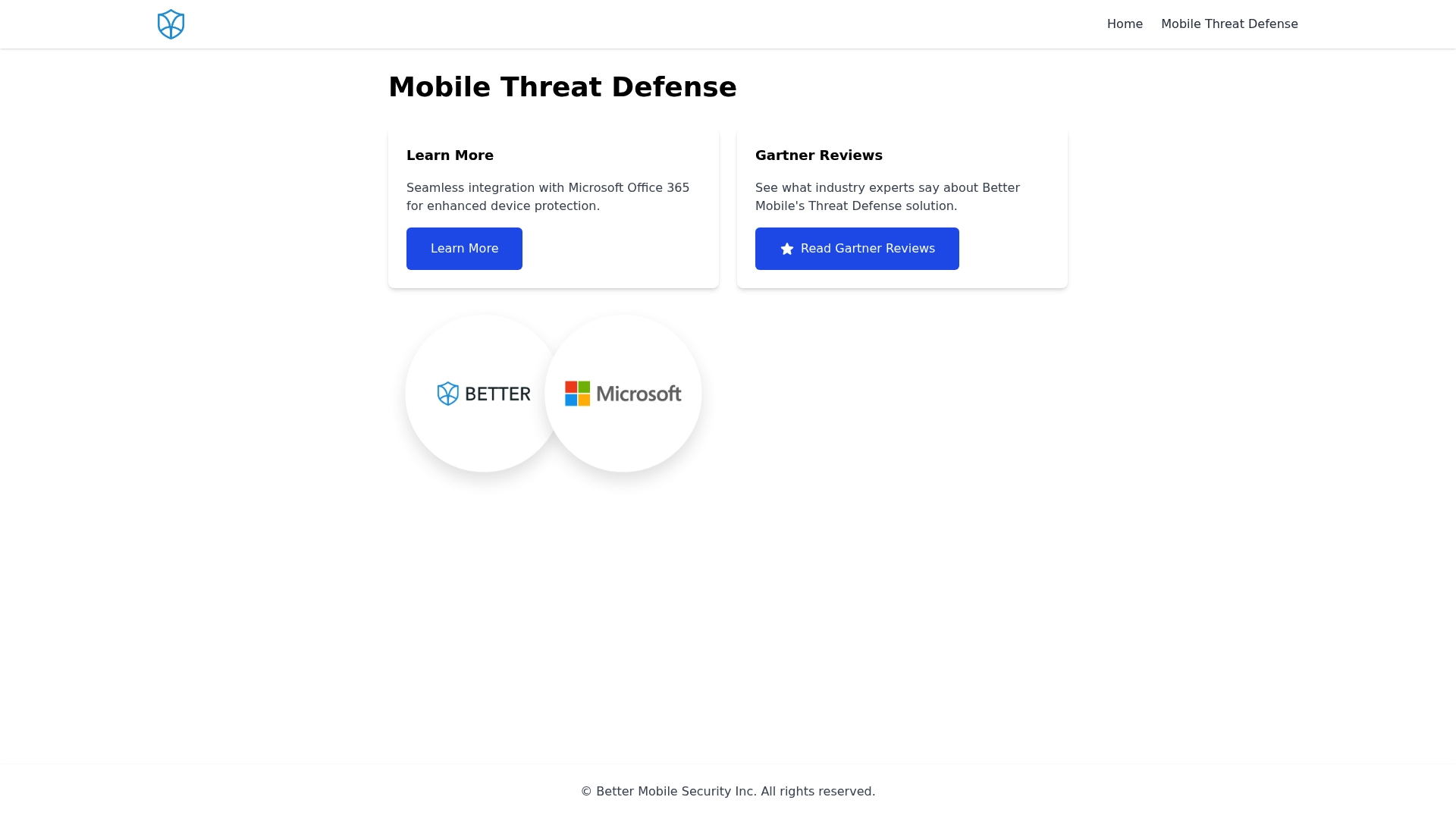
Seamless integration with Microsoft Office 365 is the product’s standout fact and the primary reason IT shops pick it for mobile protection. The vendor’s materials emphasize that tie to Office 365, which simplifies policy rollout and reduces admin overhead for Microsoft-centric environments.
Core Features
- Microsoft Office 365 integration for policy enforcement and single-pane device controls.
- Threat detection focused on phishing and malicious websites with device-level blocking.
- Remote policy enforcement and mobile device management for corporate fleets.
- A user-friendly interface that shortens training time and aids everyday administration.
- Chat and phone support that many users praise for speed and knowledge.
Key Differentiator
The integration with Microsoft Office 365 is the genuine differentiator. That connection lets IT teams apply email and device protections through an existing enterprise account model, which reduces the number of identity and policy silos they must manage.
Pros
- Fast support via chat and phone. Many IT admins report quick, knowledgeable responses that accelerate incident handling.
- Effective detection against mobile phishing and malicious websites. Detection is tuned toward common mobile threat vectors rather than generic desktop threats.
- Simple interface and navigation. Administrators unfamiliar with mobile MTD tools get productive quickly.
- Strong remote policy enforcement. IT can push and revoke policies across the fleet without complex scripting.
- Tight Microsoft integration reduces duplicate configuration and shortens time to protect new users.
Cons
- Some customers report aggressive sales tactics. That feedback appears repeatedly enough to be a procurement red flag.
- Billing and pricing transparency issues have been reported, which complicates budgeting for procurement teams.
- A number of users describe declining service quality over time, suggesting support consistency can vary by account.
- Support responsiveness is not uniformly consistent according to some reports, despite many positive experiences.
When It May Not Fit
If your organization does not use Microsoft Office 365, the product loses its primary advantage and may feel like an awkward fit. Also avoid it if your procurement policy demands crystal-clear public pricing or strictly documented SLAs, given the billing and service consistency concerns some users report.
Notable Integrations
- Microsoft Office 365 — direct integration for policy and identity linkage that reduces duplicate admin work.
Who It’s For
IT teams and security administrators inside organizations that already run Microsoft Office 365 and want mobile-specific threat detection plus centralized policy control. It fits teams that prefer tight Microsoft ecosystem alignment rather than a neutral, cross-platform-only solution.
Real World Use Case
An enterprise security team deploys Better Mobile Threat Defense to secure employee mobile devices against credential phishing delivered over email and mobile web. Policies are pushed through the Office 365 connection, and the team uses remote enforcement to quarantine noncompliant devices until they meet baseline requirements.
Pricing
The vendor does not publish standard pricing in the provided data; the entry lists pricing as informational only. Expect vendor engagement or a sales discussion to learn seat or license details and any enterprise discounts.
Website: https://better.mobi
Comparative Analysis of Mobile Threat Defense Solutions
Mobile threat defense remains crucial for organizations aiming to protect sensitive data across messaging apps and SMS channels. This analysis compares “SmishAlert.ai” with “Corrata” and “Better Mobile Threat Defense” to highlight distinct offerings and appropriate use contexts.
Proactive Threat Detection
SmishAlert.ai excels in thoroughly identifying correlated campaigns originating from messaging and SMS channels. Unlike Corrata, which focuses on on-device inspection to reduce privacy concerns, SmishAlert.ai emphasizes multi-source threat correlation, essential for a view of sophisticated attacks. Conversely, Corrata’s real-time on-device threat analysis offers advantages for privacy-conscious organizations that must protect endpoint data locally without routing content to external servers.
Deployment and Support Considerations
Better Mobile Threat Defense earns recognition for its integration with the Microsoft Office 365 ecosystem, streamlining IT policy management within existing frameworks. However, customer feedback notes inconsistent support quality, contrasting with SmishAlert.ai’s well-reported deployment via MDM platforms, catering to organizations prioritizing centralized management.
Best Fit Recommendations
- For mid-sized organizations needing to address messaging-based social engineering threats comprehensively, consider SmishAlert.ai due to its unique ability to correlate cross-channel threats.
- For enterprises prioritizing on-device privacy and real-time analysis, Corrata presents an ideal choice.
- For organizations already deeply integrated into the Microsoft Office 365 environment, Better Mobile Threat Defense streamlines mobile security management.
Our Pick
We recommend SmishAlert.ai for organizations seeking tailored solutions for countering complex phishing attacks across various communication platforms. Nevertheless, if endpoint privacy and integration within the Microsoft ecosystem are primary considerations, Corrata or Better Mobile Threat Defense might suit better.
Mobile Threat Defense Solutions Comparison
Assess mobile threat defense solutions based on their ability to mitigate risks associated with SMS and app-based messaging, offering distinct features tailored to different professional needs.
| Product | Key Differentiator | Best For | Pricing | Notable Limitation |
|---|---|---|---|---|
| SmishAlert | Cross-channel threat correlation for SMS and messaging apps | Mid-sized organizations (200–2500 employees) | $2,500 assessment credited toward subscription, then $4.99–$7.99/user/month | Requires MDM deployment for full effectiveness |
| Corrata | On-device AI-driven deep packet inspection for threat detection | IT security in Finance, Healthcare | Not disclosed | Potential performance impact on older devices |
| Better Mobile Threat Defense | Integration with Microsoft Office 365 for streamlined policy enforcement | Organizations using Microsoft Office 365 | Not disclosed | Limited appeal and utility for non-Office 365 environments |
Explore SmishAlert As a Powerful Zimperium.com Alternative for Mobile Threat Defense
If you are looking for effective zimperium.com alternatives that address the growing issue of messaging-based social engineering attacks on employees SmishAlert offers a solution designed to uncover threats you cannot see through traditional email security. With visibility across SMS iMessage WhatsApp and more you gain early detection of attacks like executive impersonation payroll fraud and credential harvesting.
Why choose SmishAlert
- Captures suspicious messages from multiple platforms
- Correlates campaigns to prioritize risk
- Provides executive-level reporting to guide your security investments
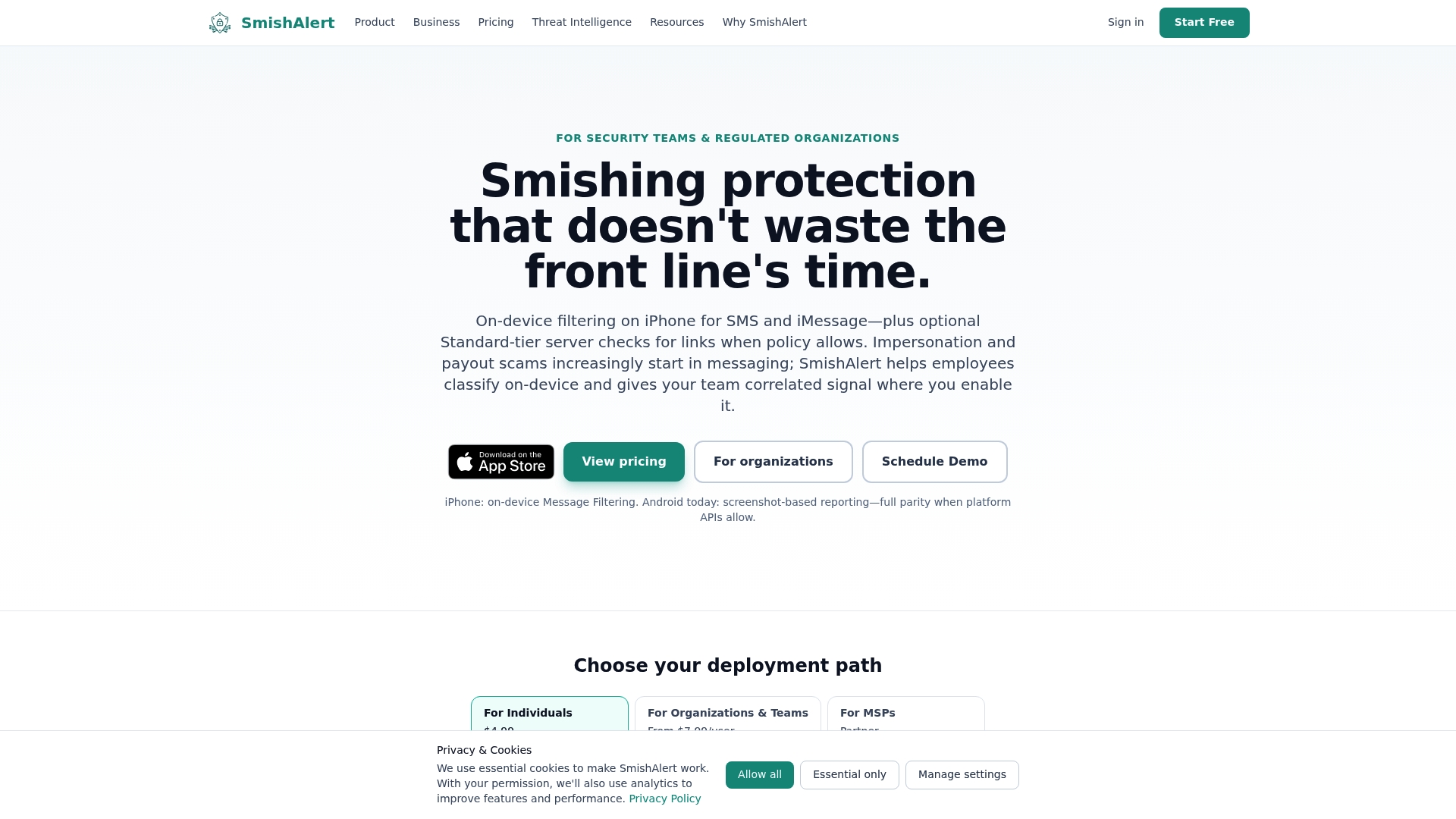
Take control of your organization’s human attack surface today by setting up a SmishAlert pilot. Book a quick demonstration and start measuring your workforce’s exposure to social engineering attacks in under 30 days.
Frequently Asked Questions
How does Smishalert help organizations monitor messaging-based social engineering risks?
Smishalert effectively facilitates monitoring by capturing suspicious messages from SMS and popular messaging apps. Its core feature of centralized report analysis enables organizations to assess and quantify human risk during the 30-day pilot, providing insights into messaging threats that traditional email security solutions overlook.
What is the difference between Smishalert and Corrata in terms of deployment?
Corrata excels in performing deep packet inspection on-device, which means it can block threats in real time without sending data off the handset. In contrast, Smishalert requires deployment across employee devices via Mobile Device Management (MDM) for full effectiveness, making it essential for organizations that already utilize MDM systems.
Which platform provides better visibility for messaging threats, Smishalert or Better Mobile Threat Defense?
Smishalert provides unique visibility where email gateways have blind spots, focusing on reporting incidents from SMS, chat apps, and other messaging channels. Better Mobile Threat Defense, while effective for phishing and malicious websites, primarily integrates with Microsoft Office 365, which may not address messaging threats consistently seen by Smishalert.
Can I implement Smishalert in an organization that does not use MDM?
Implementing Smishalert without MDM can be challenging, as it requires deployment across employee devices for effective threat detection. Organizations lacking MDM may face significant operational overhead in achieving coverage, which could impede their ability to monitor messaging-based social engineering effectively.
What is the pricing structure of Smishalert for small organizations?
The assessment for Smishalert is priced at $2,500 for up to 50 users, which can then be credited toward the annual subscription. This pricing strategy allows small organizations to evaluate messaging threat exposure without significant upfront costs.